App-free, indoor navigation for industrial facilities

Give every technician, contractor and new starter turn-by-turn directions to any asset, valve or safety point. No expensive hardware, no app downloads, no complex infrastructure rollouts.

Set up in days. Updated in minutes.
Accessed in seconds.

Zapworks Spaces is the easiest way to deploy reliable, app-free indoor navigation for industrial facilities and manufacturing. You can roll it out without pulling in your IT team, maintain it without developer support, and every technician, contractor and new starter can access it instantly from a QR code or link.
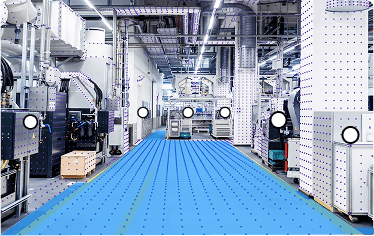
Easy to deploy

No beacon hardware, no Wi-Fi upgrades, no development sprints. Your facilities and estates team goes from spatial scan to live navigation in days.

Easy to maintain

When equipment, valves or isolation points change updates in the no-code editor and changes go live instantly. No developer, reprint, or redistribution required.

Easy to access

When equipment, valves or isolation points change, you can make updates in the no-code editor and publish them instantly. No developer, reprint, or redistribution required.

Help every technician find the right asset first time

Zapworks Spaces gives technicians, contractors and new starters one shared way to move through a complex site. Fewer escorted walk-arounds, less waiting on local knowledge, and searchable directions to every valve, plant room and safety point.

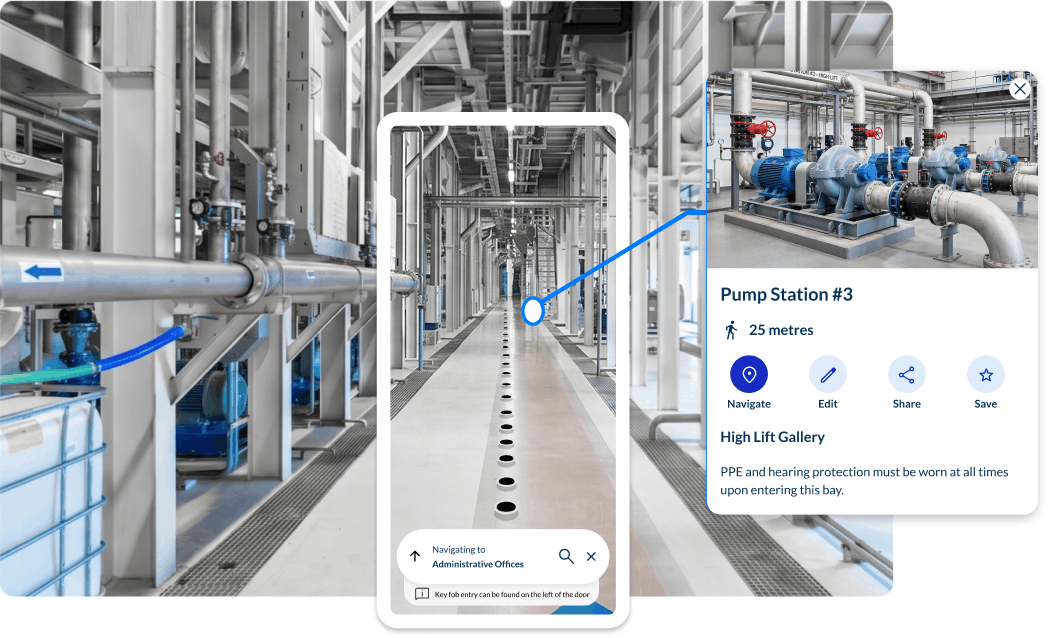
Smartphone showing Spaces turn-by-turn navigation to an asset inside an industrial facility

Get technicians to the right asset faster

Turn equipment, valves, isolation points, plant rooms, fire points, eye wash stations, welfare areas, and restricted zones into searchable destinations.

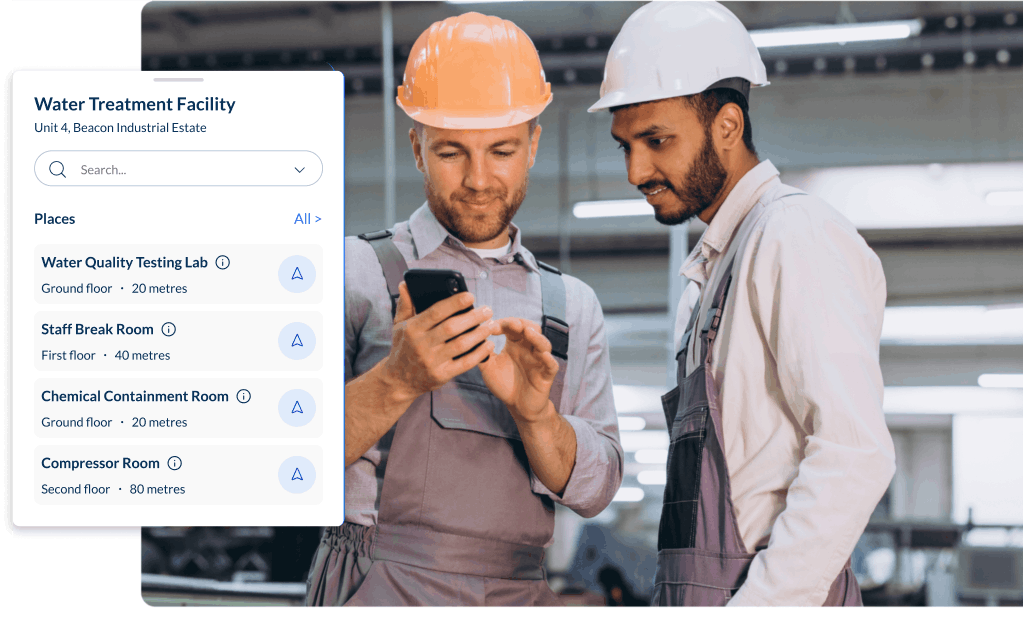
A contractor navigating a production area independently using Spaces on a smartphone

Reduce contractor and new starter onboarding time

New starters, contractors, agency workers, inspectors, and visiting engineers can navigate independently from arrival, without waiting for an escort or relying on shift-specific knowledge.

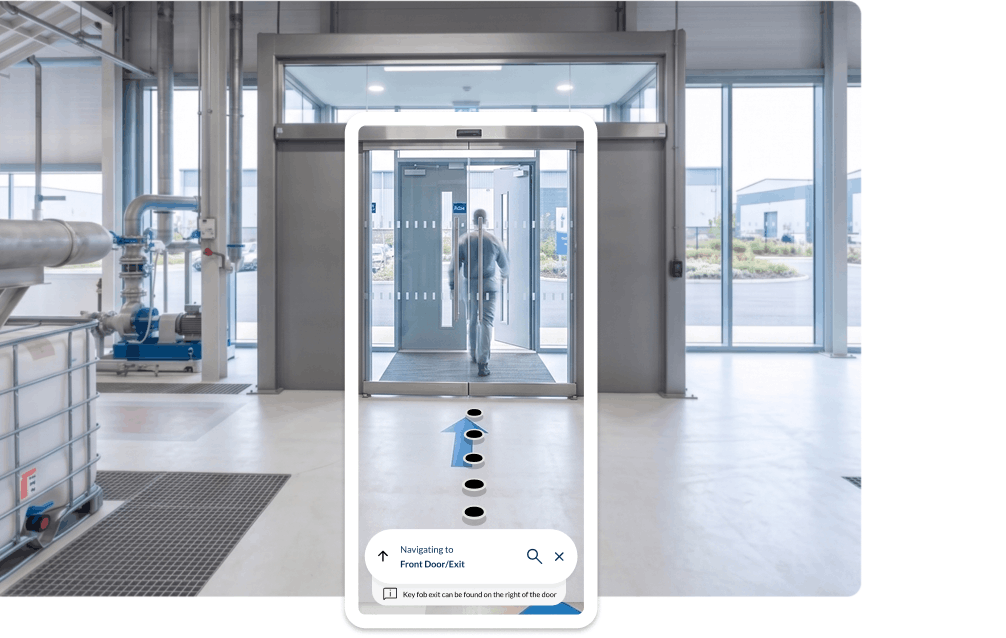
Spaces guiding a worker along a marked route to a safety point on a factory floor

Support safer movement through complex site

Deliver clear, structured routes to exits and safe zones while reinforcing hazard awareness without relying on memory or signage alone.

More tools for industrial environments

Searchable asset navigation

Turn valves, equipment, rooms, and safety points into searchable destinations, helping technicians get to the right location without relying on spreadsheets or local knowledge.

Mobile-first asset tagging & setup

Add and update destinations directly on site using a phone or tablet, so teams can tag awkward, hard-to-find assets from the exact location.

No adoption hurdles, Spaces is app-free

Enable staff and contractors to open Spaces from a QR code or link, removing app-download friction and helping users get moving faster.

Instant, no-code site updates

Update routes, destinations, categories, and annotations in a visual editor, then publish changes instantly without redeploying an app or using developer resource.

Accessible navigation built in

Support sighted, blind, low-vision, and wheelchair users with one shared navigation experience, including screen-reader-compatible guidance and route annotations.

Seamless, multi-floor routing

Easily guide your staff and visitors across complex sites with routes that account for floors, stairs, lifts, ramps, doors, and other real-world transition points.

Designed for controlled industrial environments

Zapworks Spaces supports controlled deployment for enterprise environments, including public and private spaces, SSO-supported access, and private hosting options where required.

Illustration of a shield with a check mark, representing protected facility and navigation data

Protect sensitive site data

Facility scans can reveal layouts, restricted areas, and operational assets. Spaces supports secure deployment options, including private hosting where required, so industrial teams can keep sensitive spatial data under control.

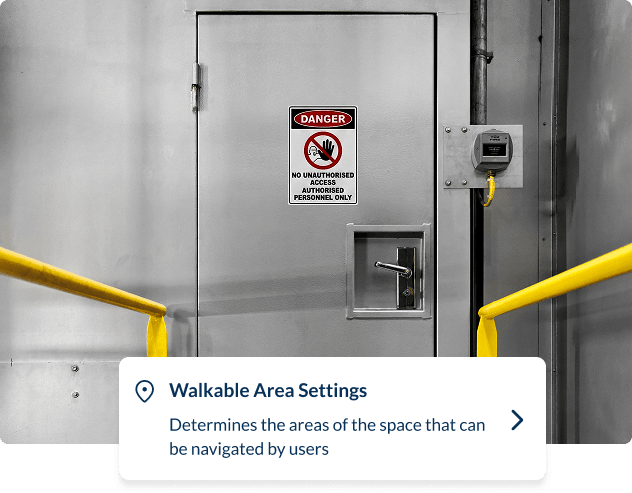
A restricted-access door alongside walkable area settings in Spaces, determining which areas of a facility can be navigated by users

Control who sees what

Keep public areas accessible while restricting sensitive routes, assets, or zones to authorised users. SSO-supported access helps teams manage navigation without exposing critical facility information.

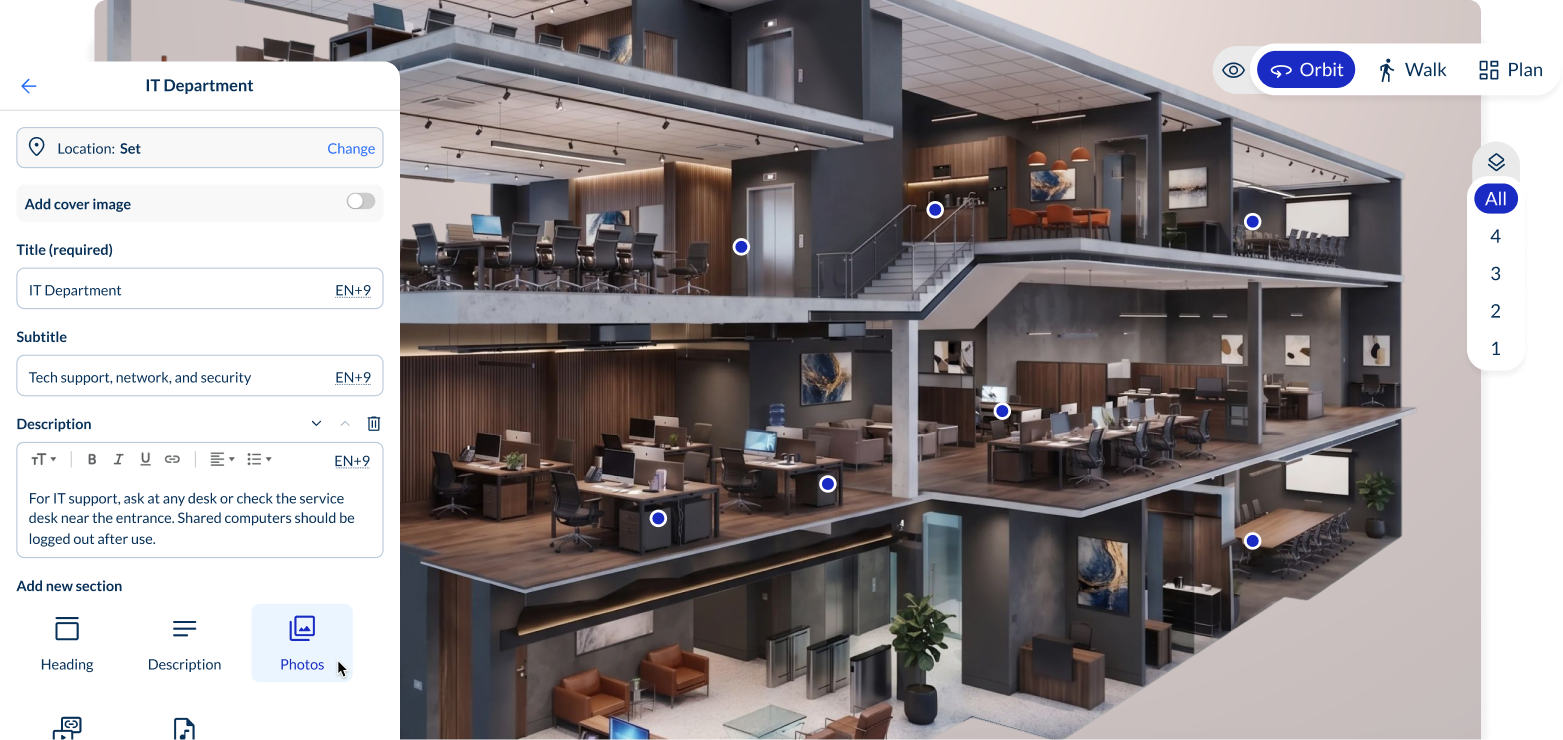
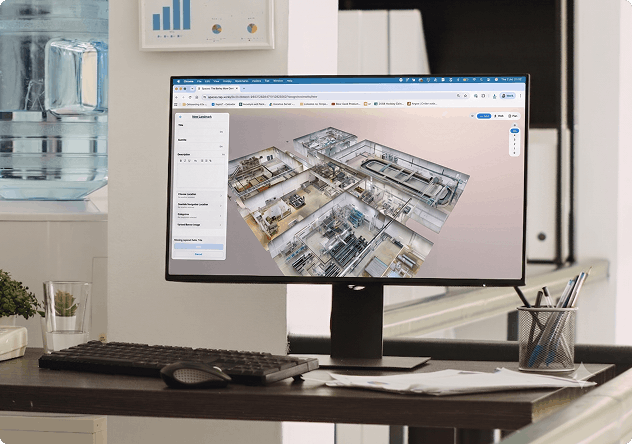
A 3D scan of an industrial facility open in the Spaces editor on a laptop

Scale without adding risk

Deploy navigation across multiple sites with consistent controls, permissions, and update workflows. Teams can expand Spaces across an estate without rebuilding access rules from scratch each time.

How industrial teams deploy Zapworks Spaces

From scan to shareable link in days, not months.

1
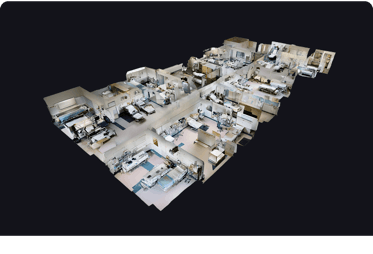
A 3D dollhouse scan of an industrial facility used to map the site

Map your facility and enable VPS

Spaces works with your existing tools and workflows, so you can use an existing 3D scan or capture a new one, then connect it to a VPS provider such as MultiSet or Immersal for precise indoor positioning.

2
Adding assets, safety points and access rules to an industrial Space

Add destinations and access rules

Use the no-code editor to add assets, valves, rooms, safety points, restricted zones, and route annotations. Group destinations by category and configure access controls where sensitive areas need to stay protected.

3
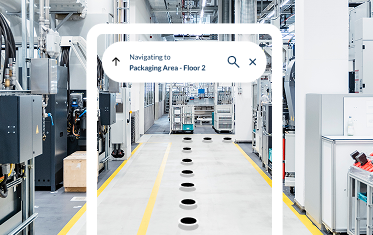
A technician navigating to the packaging area on floor 2 after scanning a QR code

Publish and keep it current

Share Spaces through QR codes, links, induction materials, or internal systems. When layouts, assets, or procedures change, update the experience in the editor and publish changes instantly.

Frequently Asked Questions

Everything you need to know about indoor navigation for industrial facilities and manufacturing.
What is indoor navigation for industrial facilities?

Indoor navigation for industrial facilities helps technicians, contractors and new starters find specific assets, valves, plant rooms, safety points and welfare areas across large, complex sites where GPS does not reach and asset location traditionally depends on local knowledge. Zapworks Spaces delivers this from a QR code or link on any smartphone, with no app download and no beacon hardware. Your operations or facilities team configures and manages all destinations using a no-code editor.

Do workers need to download an app to use Zapworks Spaces on site?

No. Workers access Zapworks Spaces from a QR code or link, so there is no app to download or install. App Clip support is available on iOS for a faster first-launch experience. There is nothing for IT to provision per user and no version to manage across a workforce. Anyone with a smartphone can navigate from the moment they scan in.

Does Zapworks Spaces work without a mobile data connection on site?

This depends on your site configuration. VPS-based positioning requires network access to locate a user, so speak to your Zappar account team about connectivity requirements for your specific environment. They can advise on deployment options for sites with limited or controlled connectivity. This is a real constraint on some industrial sites and worth resolving early rather than late.

How accurate is indoor positioning across a large industrial facility?

Accuracy is provided by a Visual Positioning System, connected during setup through a supported partner including Immersal, MultiSet and Auki. VPS is a required step, configured separately from the spatial scan. It delivers precise indoor positioning across large, multi-floor and multi-building industrial environments, including areas with complex layouts or restricted zones. Accuracy in any specific environment depends on the positioning provider and site conditions, so it is worth validating during setup.

Can we restrict access so contractors only see the areas they're cleared for?

Yes. Zapworks Spaces supports both public and login-protected zones within the same deployment. Restricted areas can be kept out of view for unauthorised users via SSO. Hazard areas, meaning dangerous or off-limits zones, are defined manually in the no-code editor using 3D points. They are displayed in red and kept clear of navigation routes, but they are never excluded automatically. Your team maintains full control over what is marked and how routes are drawn around them.

What happens when equipment moves or a facility layout changes?

You update the affected destinations or hazard areas in the no-code editor and changes go live immediately. Because Zapworks Spaces is accessed from QR codes and links rather than a downloaded app, there is nothing to redistribute. Workers scanning in after an update automatically receive the current version. No developer is needed and no access codes need to be reissued.

Can Zapworks Spaces handle multi-site industrial deployments?

Yes. Each site is configured as its own Space, with its own destinations, walkable areas, access rules and hazard zones. Sites can be managed centrally and accessed by workers via site-specific QR codes or links. Your Zappar account team can advise on the right structure for a multi-site deployment.

What scan providers does Zapworks Spaces support for industrial facilities?

Zapworks Spaces supports spatial scans from a range of supported providers, including Matterport, Immersal and MultiSet. If you already have a digital twin or spatial scan of your facility, it can typically be imported directly. Your Zappar account team can advise on compatibility with other scan formats and workflows.

Is our facility data kept secure and off public infrastructure?

Yes. Private hosting options are available for organisations with strict data governance or security requirements, keeping your facility layout and navigation data off shared infrastructure. Navigation data is also not cached on end-user devices in standard deployments, supporting data minimisation policies. SSO integration means access to restricted spaces is managed through your existing identity provider.